Art in Wax: The Slashee Story

Explore the creative journey behind Slashee’s unique sculptured candles and small-batch figurines, crafted with passion in Hong Kong.
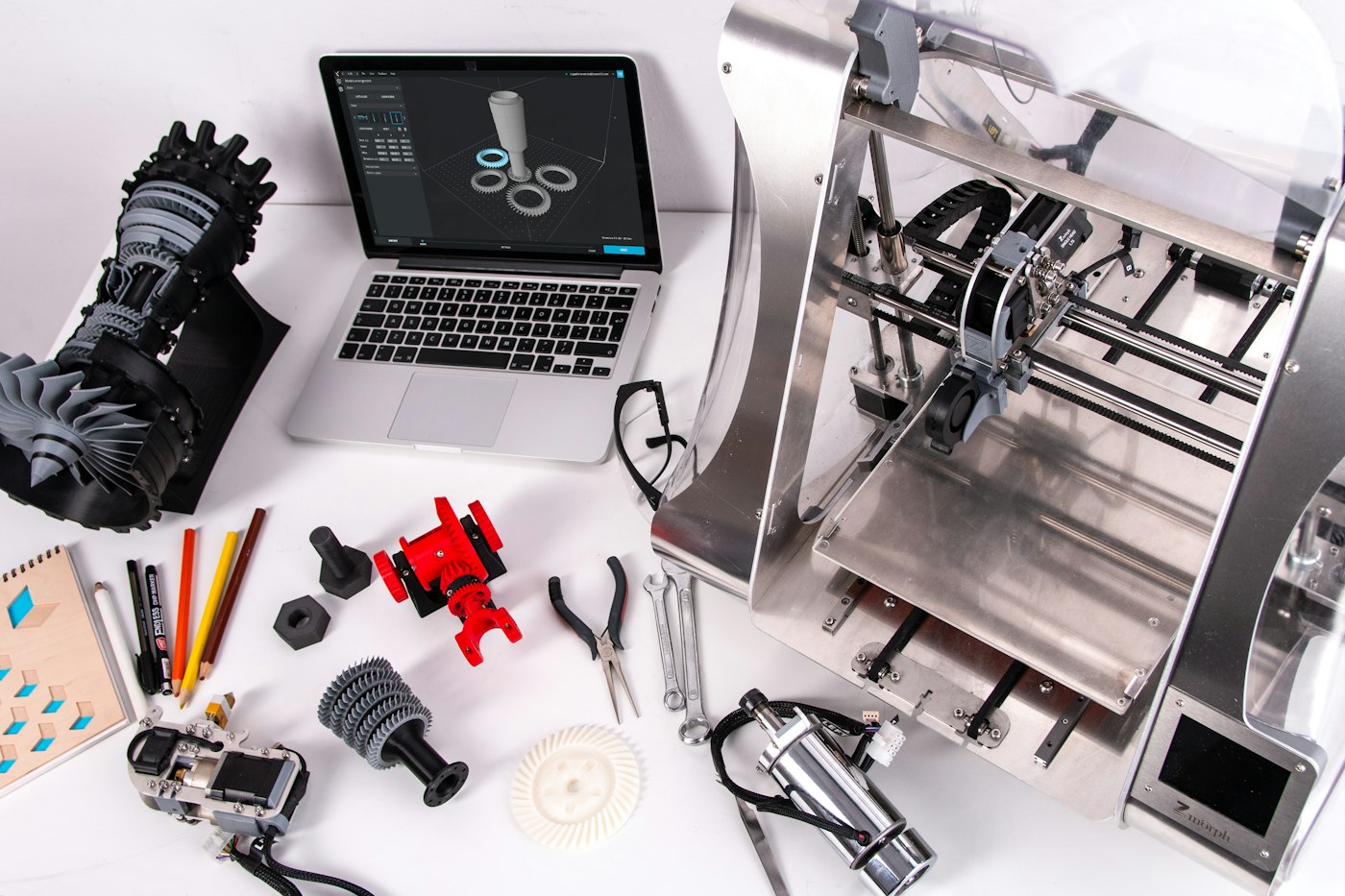
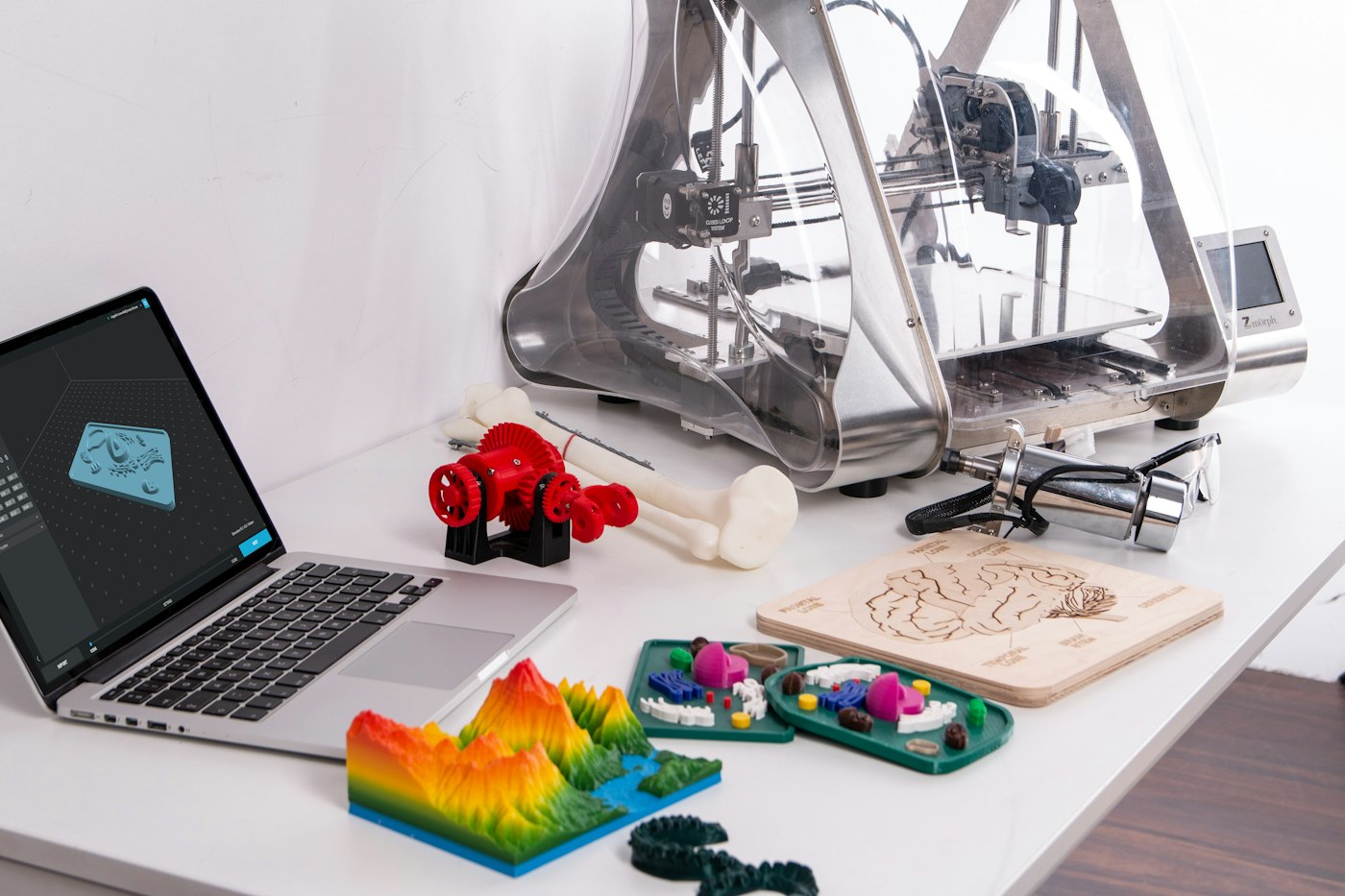
ZMorph VX Multitool 3D Printer

What Products Are Actually Worth 3D Printing for Prototyping?

Every product starts as an idea. The challenge is getting from idea to something you can hold in your hands without spending a fortune or waiting months. For decades, the path was clear: sketch, prototype with CNC or soft tooling, fix what breaks, and repeat. That still works for some products. But it is slow, expensive, and punishes early mistakes. 3D printing changed the game. It lets you turn a digital file into a physical object in hours or days, without custom tooling. But here is the part people often miss: 3D printing is not the best choice for every product. Knowing where it wins — and where it does not — can save you time, money, and a lot of frustration. When 3D Printing Becomes the Obvious Choice 3D printing shines when the value is in the shape, not the process. If your product has complex geometry, organic curves, internal channels, or fine surface detail, traditional machining often becomes expensive or impossible. A 3D printer does not care how complicated the shape is. It builds layer by layer, so complexity does not always cost more. That makes it ideal for early-stage prototypes where you are validating appearance, fit, or form. You are not committing to a mold. You are not paying a machine shop to set up fixtures. You are just printing the part, holding it, learning from it, and iterating. Product Categories That Fit Best Here is where 3D printing for prototyping makes the most sense. 1. Design-driven consumer goods Think figurines, collectibles, home decor, and lifestyle accessories. These products are judged first by how they look and feel. A 3D-printed prototype lets designers and stakeholders evaluate proportions, surface quality, and overall aesthetics before any tooling money is spent. 2. Custom and personalized items Jewelry, gifts, branded merchandise, and personalized accessories are perfect candidates. Each piece may differ slightly, and quantities are often small. 3D printing handles variation easily, which is something mass manufacturing struggles with. 3. Functional assemblies and mechanical parts Housings, brackets, connectors, and enclosures can be printed to test assembly, tolerance, and ergonomics. You can discover fit issues early, before expensive molds are cut. 4. Packaging and display prototypes Brands often need a physical sample of packaging or a retail display to test shelf presence. 3D printing creates those samples quickly, without needing a production line. 5. Low-volume product variants If you are launching a limited edition or testing multiple versions of a product, 3D printing lets you produce several designs without committing to one. The Hidden Advantage: Speed and Iteration The real power of 3D printing is not just that it is fast. It is that it makes iteration cheap. A designer can print a prototype on Monday, spot a flaw on Tuesday, adjust the file, and print again on Wednesday. That kind of loop is impossible with injection molding or CNC tooling. Each round of traditional prototyping can take weeks and thousands of dollars. With 3D printing, the cost of trying again drops dramatically. That freedom changes how products are developed. Teams take more risks. They test more ideas. They arrive at better designs faster. Where 3D Printing Falls Short It is equally important to know when 3D printing is not the right tool. Very large parts can be expensive or require specialized printers. Parts that must withstand high mechanical loads, extreme temperatures, or strict regulatory standards may need materials and processes that desktop 3D printing cannot provide. And if you need tens of thousands of identical units, injection molding will almost always be cheaper per piece. The goal is not to replace traditional manufacturing. It is to use 3D printing where it adds the most value — early, often, and before big commitments are made. How SLASHEE Approaches Prototype Printing At SLASHEE, we specialize in the prototypes that others call too detailed, too fragile, or too complex. Our process is built around three things: Capillary support technology that removes cleanly from intricate designs Gradient curing that balances speed with surface quality A three-step post-processing workflow that delivers results ready for photography, testing, or presentation We start at 10 pieces, which makes us a practical choice for designers, indie brands, and small studios who need reliable prototypes without factory-level minimums. A Better Way to Test Your Ideas 3D printing is not a magic solution. It is a strategic tool. It works best when the product is complex, the quantities are low, and the timeline is tight. If your design depends on fine detail, unique form, or fast iteration, 3D printing for prototyping is probably the smartest place to start. It gives you something real to hold, test, and refine — before you ever need to think about molds, tooling, or mass production. The best products are not designed in a single step. They are discovered through building, testing, and improving. 3D printing simply makes that discovery faster and more affordable. Ready to prototype your next product? Visit slashee.tech and see how our 3D printing process brings complex ideas to life.

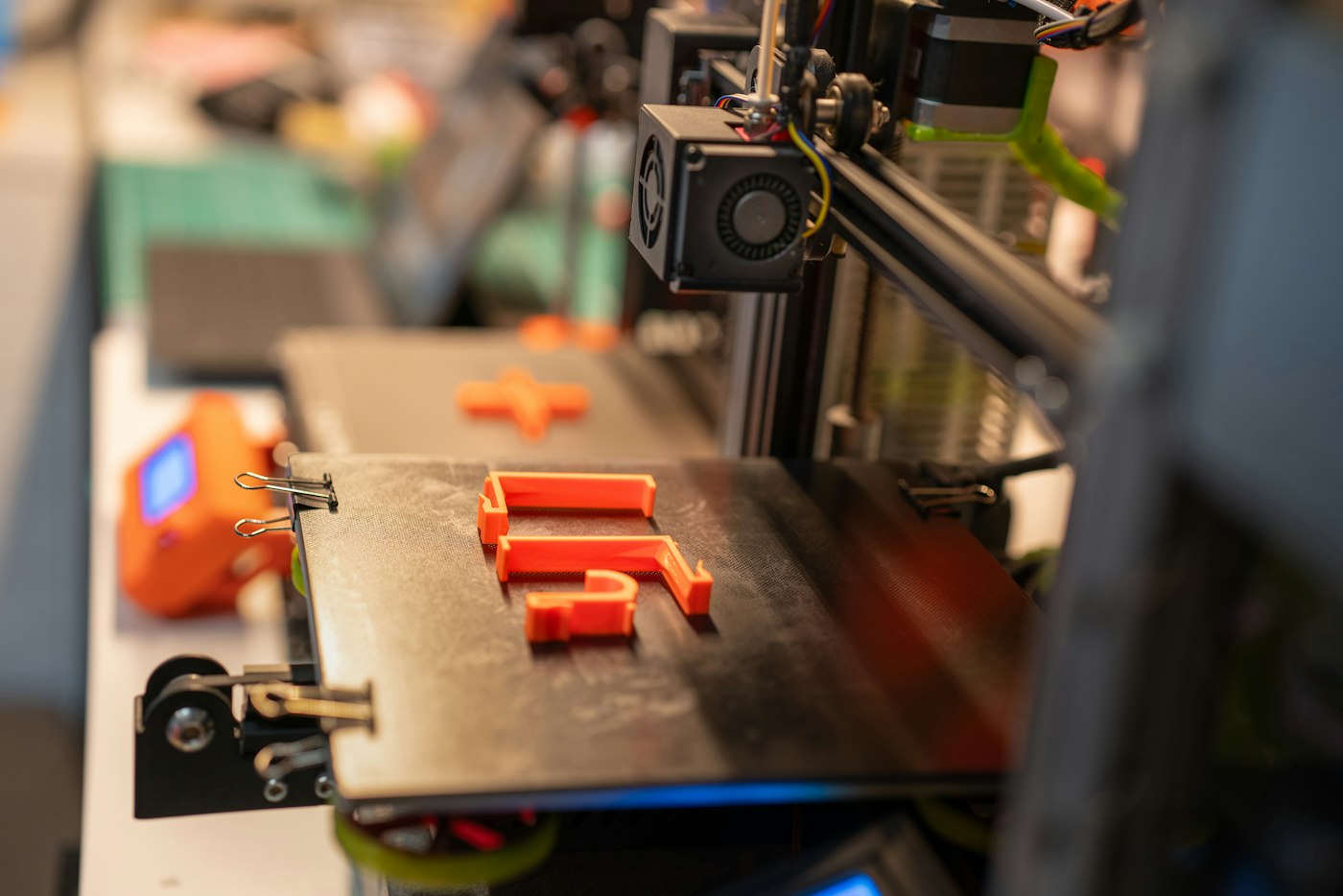
3d printer, home factory prototype

Why 3D Printing Is the Last Mile of Creative Execution

Everyone has a brilliant idea at 2 AM. A character design that would make an incredible desk toy. A custom gift that nobody else could possibly give. A product concept so niche that no factory would ever touch it. The idea sits in your head, perfect and alive — and that's exactly where it dies. Not because it's bad. Because making it real feels impossible. That gap between "I have an idea" and "I'm holding it in my hands" is what kills more creative projects than lack of talent, funding, or market demand combined. And for decades, that gap was controlled by a manufacturing industry that couldn't care less about your single-unit, weird-shaped, highly personal idea. The Death Valley of Ideas Traditional manufacturing has a cover charge, and it's brutal. Injection molding wants a mold — several thousand dollars minimum, often much more. Then there's minimum order quantities, usually in the thousands. Lead times measured in weeks or months. By the time you get your first prototype, you've spent a small fortune and lost the creative momentum that made the idea exciting in the first place. This is what the industry calls "tooling cost." For creative people, it's a wall. Most ideas hit that wall and stop. The designer sketches something amazing, shows it to a manufacturer, gets quoted a price that could fund a vacation, and quietly shelves the whole thing. Not because the idea wasn't worth making — because the system wasn't built for small, personal, one-off creativity. The Shortest Path From Brain to Object 3D printing didn't just improve manufacturing. It bypassed the gate entirely. No mold. No minimum order. No six-week wait. You design something on Tuesday, send it to print on Wednesday, and by Friday you're holding a physical object that existed only in your imagination 72 hours ago. That shift — from "can I afford to make this?" to "when do I want this made?" — is bigger than any spec sheet or material breakthrough. It changes who gets to be a maker. A freelance illustrator can prototype a vinyl toy line. A tabletop game designer can test physical components without committing to a production run. A boyfriend can design a custom proposal figurine that references an inside joke no jeweler would ever understand. These aren't hypothetical scenarios. They're the kind of projects that happen every day now — quietly, in apartments and home offices, by people who would never have described themselves as manufacturers. When 3D Printing Goes Wrong Here's where the story usually takes a disappointing turn. Someone gets excited about 3D printing, buys a consumer-grade printer or sends a file to a cheap online service, and receives... something underwhelming. Layer lines visible enough to use as a ruler. Surface texture like sandpaper. Edges that look melted. Details that vanished somewhere between the digital model and the physical print. The object exists. Technically. But it doesn't feel like a finished product. It feels like a draft. A rough, slightly sad reminder that the idea was better in your head. This is the part nobody warns you about: 3D printing the shape is easy. 3D printing something you'd actually want to put on your shelf — that's a completely different skill set. The Difference Between "Printed" and "Finished" A great 3D-printed object is the result of decisions most people never think about. Layer height and print orientation affect surface quality. Support structures — those temporary scaffolds that hold up overhanging parts — determine whether you get clean geometry or a scarred mess where the supports were removed. Then there's post-processing. Washing, curing, sanding, polishing. Each step is the difference between "obviously 3D printed" and "wait, this was 3D printed?" This is where SLASHEE comes in. The approach isn't just about having industrial-grade printers — it's about what happens after the print finishes. Capillary support technology that leaves almost no marks where supports used to be. Gradient curing that hardens surfaces without making them brittle. A three-step post-processing workflow that turns raw prints into products with the look and feel of something mass-produced. Printing is the first mile. Making it look like something you'd be proud to gift, display, or sell — that's the last mile. And it's the mile most people skip. A democratization that actually delivers The promise of 3D printing was always democratization. The idea that anyone, anywhere, could make anything. For years, that promise was half-true — you could make something, sure, but "something" often meant a wobbly, rough prototype that screamed "I was made by a machine learning to draw." What's changed isn't just that printers got better. It's that the full pipeline — design, print, finish, deliver — has been built into services that handle the hard parts for you. You bring the idea. The rest is someone else's problem. That's what the last mile really means. Not the technology of printing, but the craft of turning a print into a product. SLASHEE's job is to make that mile shorter, cheaper, and better — so the 2 AM idea doesn't have to die at sunrise. One hundred units minimum. Your design, their craft. From your brain to someone's shelf, without the death valley in between. Turn your idea into something you can hold. Start at slashee.tech

Yes

UPR Resin Forming in 3 Minutes: How It Works, Where It's Used, and the Pros & Cons You Need to Know

You've probably held dozens of objects made from UPR (Unsaturated Polyester Resin) without ever realizing it — from glossy buttons on your shirt to durable automotive body panels, intricately cast sculptures, and fiberglass boat hulls. UPR is one of the most widely used thermosetting resins in the world. It's fast, affordable, and versatile. But it also has a personality — get the mix wrong, and it'll crack, bubble, or stay tacky forever. Here's everything you need to know about UPR resin forming in about three minutes. What Is UPR? Unsaturated Polyester Resin is a thermosetting polymer — meaning it undergoes an irreversible chemical reaction when cured. Unlike thermoplastics (which melt and re-solidify), once UPR sets, it's set for good. You can't remelt it, reshape it, or dissolve it. UPR typically comes as a viscous liquid. When mixed with a catalyst (MEKP — Methyl Ethyl Ketone Peroxide) and optionally an accelerator (cobalt naphthenate) , it kicks off a free-radical polymerization reaction that transforms it from liquid into a rigid, cross-linked solid. The reaction is exothermic — it generates heat. And how much heat, how fast, determines whether your casting comes out perfect or full of cracks. The Forming Process in 60 Seconds Mix → Pour → Gel → Demold → Cure Step 1: Mixing UPR resin + MEKP catalyst (typically 1–2% by weight) + optional pigment/color paste. Mix thoroughly — unmixed catalyst creates soft spots that never cure. Step 2: Pouring Pour the catalyzed resin into a silicone, polyurethane, or fiberglass mold. For bubble-free results, pour in a thin stream from height, or use a vacuum chamber if available. Step 3: Gelation (20–40 minutes at room temp) The resin starts thickening as polymerization begins. It goes from liquid → gel-like → rubbery. At this stage you can still demold certain shapes, but handle with care. Step 4: Demolding Once the resin has gelled and firmed up (typically 30–60 minutes), it can be removed from the mold. Step 5: Full Cure Full mechanical strength is reached after 24 hours at room temperature. Post-curing at 50–60°C for a few hours can accelerate this and improve final properties. Key Variables Two things control everything: Temperature: Higher temps speed up curing — but too fast causes exothermic runaway (bubbles, cracking). Below 15°C, curing may stall entirely. Catalyst ratio: More MEKP = faster cure + more shrinkage + brittleness. Less MEKP = slower cure, risk of incomplete cross-linking. ✅ The Pros 1. Low Cost Roughly 1/2 to 1/3 the price of epoxy resin per kilogram. For small production runs, this makes it economically viable where epoxy would eat your margins. 2. Fast Cure Cycle Most UPR castings can be demolded within 20–40 minutes at room temperature. Compared to epoxy (4–12 hours to demold), UPR allows much faster production throughput. 3. Excellent Detail Reproduction Low viscosity before curing means it flows into every crevice of a silicone mold, capturing even microscopic surface textures. 4. Great Pigment Compatibility Color pastes disperse uniformly. Achieve solid opaque colors, translucent effects, or marbled patterns. Surface takes paint and primer well too. 5. High Rigidity and Surface Hardness Cured UPR feels more like ceramic or stone than plastic. It's scratch-resistant and holds shape well under load. 6. Good Machinability UPR parts can be sanded, drilled, tapped, and painted after demolding — making post-processing forgiving. ❌ The Cons 1. Strong Odor (Styrene Emission) UPR contains styrene monomer with a sharp, sweet smell. Prolonged inhalation is harmful — you must work in a well-ventilated area or with a respirator rated for organic vapors. 2. Brittleness Compared to epoxy, UPR is more brittle. Thin sections (< 2 mm) can crack or chip under impact. 3. Higher Shrinkage (2–4%) UPR shrinks more than epoxy (< 1%). Large castings may warp. Multi-layer pours can show visible layer lines. 4. UV Degradation (Yellowing) Unprotected UPR will yellow within weeks of direct sun exposure. Outdoor parts need a UV-stable topcoat. 5. Temperature Sensitivity Summer heat causes fast curing and potential cracking. Winter cold (< 15°C) stalls the reaction entirely. 6. Not Recyclable Thermosetting means scrap can't be remelted. Waste goes to landfill. Final Thoughts UPR is the most practical resin for fast-paced casting production — provided you understand its limits. It rewards precision in mixing and environmental control. Get the temperature right, the ratio right, and the ventilation right, and you get beautiful, affordable, production-ready parts in under an hour. Get it wrong, and you'll fight bubbles, cracks, tacky surfaces, and bad smells. Understanding the material's behavior is what separates a frustrating first attempt from a repeatable, reliable process. That's the difference between resin as a hobby and resin as a craft. Explore more about materials, molding techniques, and small-batch production at slashee.tech . About Slashee Slashee is a small-batch manufacturing and design studio specializing in precision molding, casting, and prototype-to-production services. We believe great products start with understanding the materials that make them. Crafted with knowledge. Made with care.

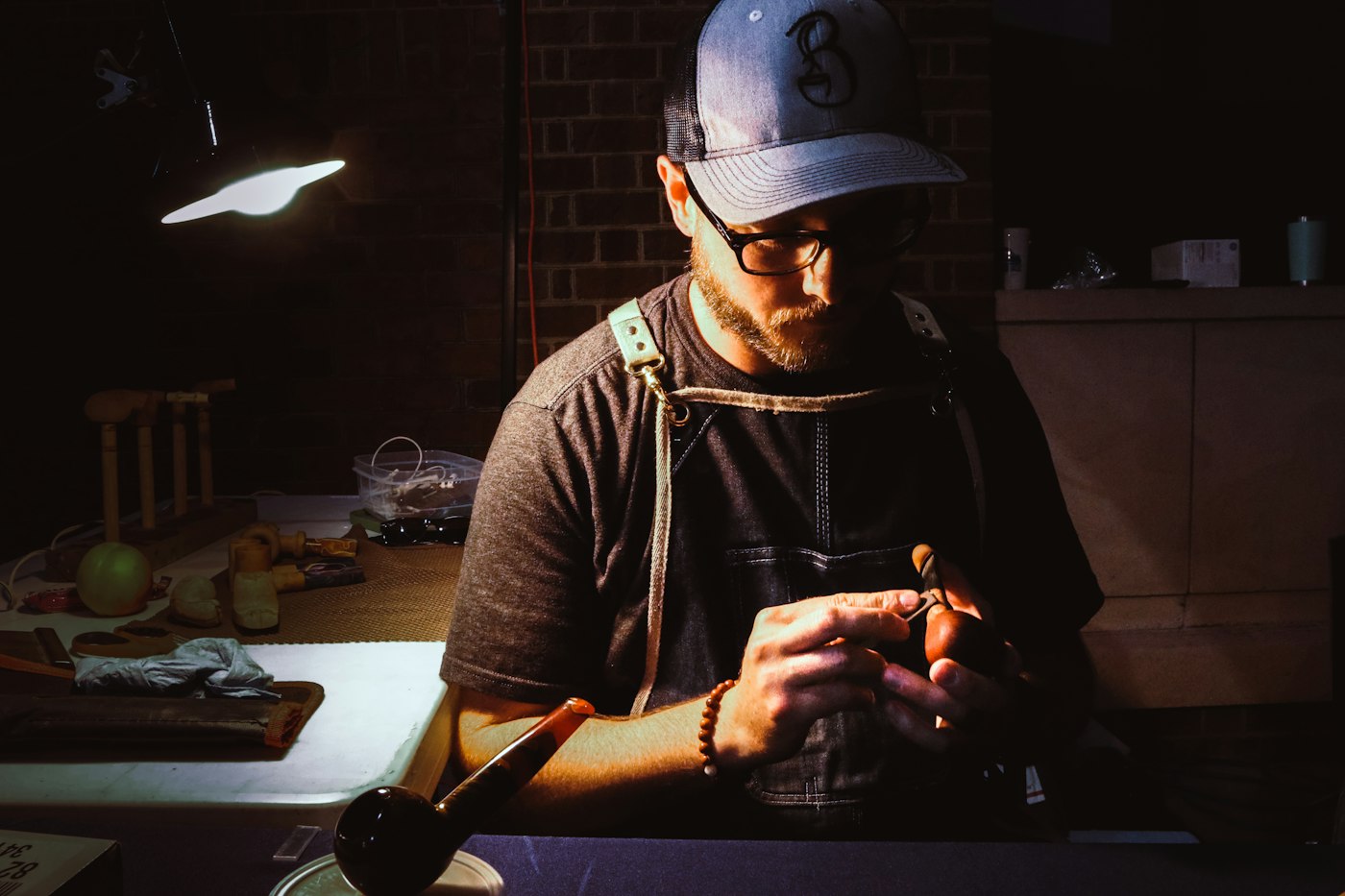
Artisan at Work

The Next Three Years Belong to Solo Makers - Desktop Manufacturing Is Booming

The Next Three Years Belong to Solo Makers — And the Numbers Prove It Something strange is happening on Kickstarter right now, and if you're paying attention, it tells you everything about where product creation is headed. In April 2025, Anker — a company known for phone chargers — launched the eufyMake UV Printer E1 on Kickstarter. It raised $46 million . Not $46 thousand. Forty-six million dollars. For a desktop UV printer. Then in May 2026, Procolored X One — a three-in-one desktop machine combining full-color UV printing, dual laser engraving, and UV DTF sticker output — opened its campaign. Early bird price: $3,799. It cleared $4.19 million in days. Meanwhile, Zaowu Shidai (literally "Maker Era") pulled in $1.7 million on Kickstarter for its desktop CNC machine, becoming the highest-funded project in the CNC category in platform history. And Bambu Lab's maker community, MakerWorld, now counts over 300,000 active creators uploading nearly 2 million models, with roughly 100,000 new ones appearing every month. These aren't isolated success stories. They're data points on a curve — and that curve is bending sharply upward. The Desktop Manufacturing Trinity Three categories of machines are quietly reshaping what an individual can produce from a spare room: Small UV Printers — Devices like the eufyMake E1 and Procolored X One can print full-color graphics directly onto metal, glass, wood, acrylic, and over 400 other materials. No screen printing setup, no minimum order, no chemical pretreatment for most surfaces. You design it, you print it, you sell it. The eufyMake E1 brought this capability to a sub-$2,000 price point. Procolored X One went further, integrating laser engraving and UV DTF transfer into one workflow — solving what they call the "three-machine dilemma" that desktop creators face. Desktop CNC Machines — Zaowu Shidai proved that CNC doesn't have to live in a machine shop. Their device handles wood, brass, acrylic, and soft metals with enough precision for custom jewelry, mechanical parts, and engraved signage. The key breakthrough isn't the hardware — it's the software. Their CAM system is designed for people who've never written G-code, lowering the barrier from "mechanical engineer" to "motivated beginner." 3D Printers — The most mature of the three, but still accelerating. Creality's Q1 2026 sales grew 41.5% year-on-year. Bambu Lab holds 50%+ market share in online 3D printer sales in China. Consumer-grade FDM printers now start under $200. Resin printers with stunning detail are under $300. What used to be a hobbyist's toy is now a production tool — and the line between "prototype" and "finished product" has blurred to the point of disappearing. Together, these three categories form a desktop manufacturing stack : 3D printing for form and structure, UV printing for surface and color, CNC for precision and material versatility. Five years ago, you'd need a factory. Today, you need a desk. Why the Next Three Years Are Different The trend is clear, but timing matters. Here's why 2026–2029 is the specific window where "solo maker" transitions from lifestyle label to viable business model. 1. Hardware Costs Have Collapsed Consumer 3D printer prices have dropped over 70% in five years. A capable FDM machine that cost $800 in 2021 now sells for $200. Desktop UV printers went from industrial-only to under $2,000 in a single product cycle. CNC machines followed the same curve — Zaowu Shidai's first Kickstarter unit was priced to make hobbyists flinch; their current generation is an impulse buy for anyone already running a small business. When the tools of production become affordable, the number of people who can participate in production expands dramatically. This is Economics 101, and it's playing out in real time. 2. Software Is Eating the Skill Gap Here's the thing about CNC machines: they've existed for decades. What kept them out of homes wasn't just price — it was the knowledge barrier. Operating a CNC required understanding G-code, toolpath optimization, feed rates, and material-specific parameters. That's mechanical engineering territory. Not anymore. AI-assisted design tools now convert text descriptions into 3D models. One-click slicing software handles print preparation automatically. Smart CAM systems generate toolpaths from a visual interface. Creality launched its Nexbie AI brand in August 2025, specifically targeting users who want to 3D print but have zero CAD experience. Bambu Lab's printers are famous for being genuinely plug-and-play — load filament, download a model, press print. The pattern mirrors what happened with photography: first the hardware got cheap, then the software made expertise optional. The result wasn't fewer professional photographers — it was a hundred million more people taking photos. We're at that same inflection point for physical product creation. 3. Content Ecosystems Are Creating Flywheels Bambu Lab's MakerWorld has 300,000+ active creators and 2 million models. Zaowu Shidai is building a content community with 100+ new tutorials and project guides per month, plus user-uploaded designs. Creality's ecosystem spans 400+ hardware SKUs and 1,400+ material options. Why does this matter? Because content ecosystems create a self-reinforcing loop: See something cool someone made → "I could do that" → Buy the machine → Make something → Share it → Someone else sees it and thinks "I could do that" → ... This is exactly how 3D printing broke out of the niche. It's how CNC will break out next. And UV printing is already on the same trajectory — eufyMake's $46 million campaign wasn't driven by industrial buyers. It was driven by people who saw custom-printed phone cases, tumblers, and sneakers on TikTok and thought, "I want to make those." 4. Small-Batch Custom Demand Is Exploding The product market is fundamentally shifting. Collectible figures, IP merchandise, personalized gifts, limited-edition accessories — these categories are growing faster than mass-produced goods. And they share one critical characteristic: they don't need mass production. Traditional injection molding requires minimum orders of 5,000+ units. The upfront tooling cost alone can exceed $10,000. For a creator testing a new product idea, that's a bet, not an investment. 3D printing changes the equation entirely. You can produce 100 units at roughly one-fifth the per-unit cost of traditional manufacturing for small runs. Delivery time shrinks from months to days. And if the design doesn't sell? You tweak it and print the next batch — no wasted inventory, no sunk tooling costs. This economic reality is opening an entirely new market segment: products that only exist because small-batch production is now viable. Nobody was commissioning injection-molded runs of 50 custom anime desk figures. But 3D print 50? That's a thriving Etsy shop. 5. Global Sales Infrastructure Is Solved Ten years ago, selling a physical product globally meant dealing with distributors, trade shows, and inventory risk. Today: Kickstarter and Indiegogo let you validate demand before manufacturing a single unit Shopify and independent DTC sites handle storefront, payments, and fulfillment Social media replaces advertising budgets with organic reach 1688 and Alibaba provide raw materials and components at wholesale prices Cross-border logistics services handle international shipping that used to require a freight forwarder A solo maker in Shenzhen can design a product on Monday, launch a Kickstarter on Wednesday, and start shipping globally within 60 days. The entire supply chain — from concept to customer's doorstep — can be operated by one person with a laptop and a 3D printer. 6. The Market Numbers Back It Up This isn't speculation. The data is unambiguous: Global consumer 3D printer market: $1.12 billion in 2025 → projected $2.72 billion by 2030 (CAGR 19.1%) 3D laser engraving machine market: CAGR 25% through 2030 China's 3D printer exports in Jan–Feb 2026: 1.3 million units, up 109.1% YoY ; export value up 153.4% YoY Global 3D printing market overall: $21.9 billion in 2024 → projected $115 billion by 2030 (CAGR ~31%) When every measurable indicator — device sales, export volumes, crowdfunding totals, market projections — points in the same direction, it's not a trend. It's a structural shift. What This Means for Creators If you've been sitting on a product idea because you thought you needed a factory, a warehouse, and a team — you don't anymore. The tools are on the desk. The audience is on the internet. The logistics are handled by platforms. But here's the nuance: not everyone needs to own the machines. The maker economy isn't just about buying hardware — it's about having the capability to produce . And that capability can come from your own desktop or from a manufacturing partner who speaks your language. That's exactly where Slashee fits in. Our small-batch 3D printing service is built for the exact moment we're in: you have the idea, you have the design, you have the audience — but you don't want to buy and maintain a farm of printers just to produce 100 or 500 units. Slashee's capillary support technology delivers print quality that rivals injection molding. 100-unit minimum orders mean you can test the market without betting the house. And 7-day delivery means your Kickstarter backers don't age a year waiting for their rewards. The solo maker era doesn't mean everyone has to do everything alone. It means the pieces exist to go from concept to customer at a speed and scale that was impossible five years ago. Whether you print it yourself or partner with someone who prints it for you — the point is, the factory gate is no longer the bottleneck. The Clock Is Running Three years sounds generous. It isn't. The first wave of solo makers — the ones already running six-figure businesses from a desk and a 3D printer — got in early. The second wave is arriving now, driven by cheaper hardware, smarter software, and content ecosystems that make learning frictionless. By 2029, the tools will be so accessible and the community so large that the competitive edge shifts from "can you make it?" to "what can you make that nobody else thought of?" The window between "emerging opportunity" and "crowded market" is never as wide as it seems. Right now, it's open. The question isn't whether the solo maker era is coming. The data has already answered that. The question is whether you'll be one of the people who built something while the window was still wide — or one of the people who looks back and wishes they had. Ready to turn your idea into a real product? Slashee's small-batch 3D printing service delivers injection-molding quality at 100-unit minimums, with 7-day turnaround. No factory required. Check it out at slashee.tech

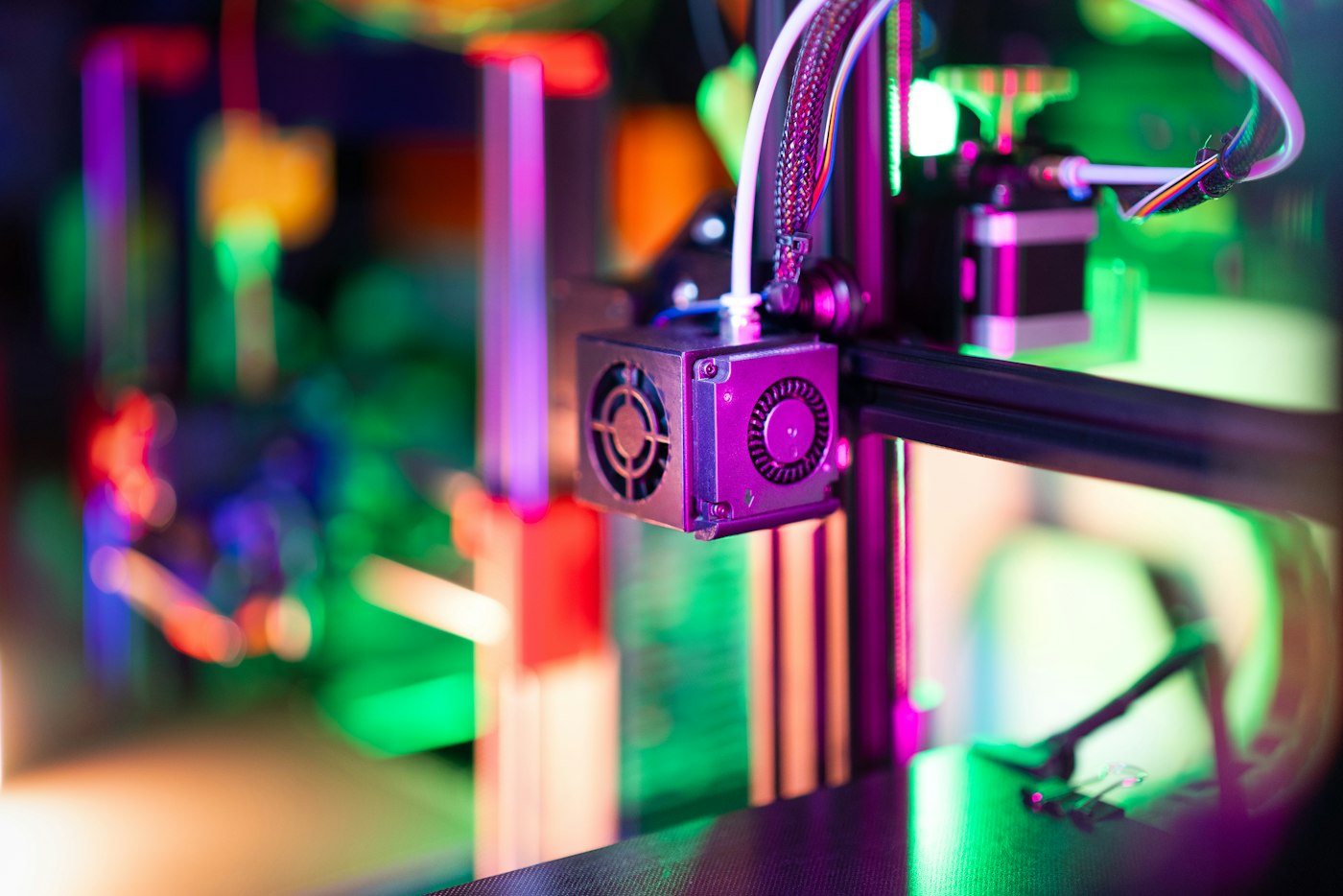
3d printer home factory workshop colorful neon light

3D Printing Breakthroughs to Watch in 2026

The hype around 3D printing has come in waves. First it was the “factory in every home.” Then it became a prototyping tool for engineers and designers. In 2026, the story is different. The technology is quietly crossing from “useful for prototypes” to “good enough for real products.” Here are the breakthroughs that will shape the year. Multi-Material Printing Goes Mainstream For years, desktop 3D printers worked with one material at a time. PLA. ABS. Resin. That was it. The real world rarely works that way. A phone case needs a hard shell and a soft grip. A robotic gripper needs rigid links and flexible joints. A wearable needs skin-safe contact surfaces plus durable structure. In 2026, multi-material printing is moving from industrial labs to accessible machines. New extrusion systems switch between rigid and flexible filaments mid-print. Resin printers combine tough structural resins with soft, rubber-like materials in the same build. The result is functional assemblies printed in one go, not glued together after the fact. This matters because it closes the gap between a printed object and a finished product. AI-Generated Structures Inside Your Models Design for 3D printing used to be hard. Engineers had to think about overhangs, support removal, wall thickness, and part orientation. AI is changing that. Generative design tools now create internal lattices, topology-optimized shapes, and support-free geometries automatically. You tell the software what the part needs to do. It figures out how to print it. This is not just faster. It unlocks shapes that human designers would never sketch by hand. At Slashee, this trend shows up in the products we design every day. Cleaner internal structures mean fewer supports. Fewer supports mean less post-processing. And less post-processing means a better finished surface. Speed Is Becoming a Non-Issue The classic knock on 3D printing is that it is slow. A complex resin print could take 12 hours. A large FDM part could take days. That is changing. New continuous printing systems and multi-laser metal machines are cutting build times by 50–80%. In resin printing, faster-curing polymers and smarter exposure algorithms are pushing layer times down. Some desktop machines now print at speeds that would have seemed impossible a few years ago. Speed alone is not the point. The point is that 3D printing becomes economically viable at larger scales. When a print finishes in hours instead of days, the math for small-batch production starts to work. Post-Processing Finally Gets Automated The dirty secret of 3D printing has always been the cleanup. Remove supports. Wash off resin. Sand. Cure. Polish. For many users, this takes longer than the print itself. 2026 is the year that changes. Automated support removal, robotic sanding, and integrated wash-and-cure stations are becoming standard in professional workflows. Even on the desktop, all-in-one machines that print, wash, and cure in one device are becoming more common. Better post-processing is not a small improvement. It is what turns a rough print into a product you can sell. Sustainability Becomes a Selling Point 3D printing has a materials problem. Filament spools, resin bottles, and failed prints create waste. But the industry is responding. Recycled filaments, bio-based resins, and solvent-free production methods are getting serious investment. On-demand printing also cuts waste in a different way: you print what you need, where you need it, instead of molding ten thousand units in one factory and shipping them around the world. For makers and small brands, this is a real advantage. Local production and recyclable materials are not just good for the planet. They are good marketing. What This Means for Makers If you are designing and selling physical products, 2026 is a good time to take 3D printing seriously. The technology is not perfect, but the gap between “printed” and “production-ready” is closing fast. Smarter materials, AI-assisted design, faster machines, automated finishing, and greener workflows all point in the same direction: 3D printing is becoming a genuine manufacturing option, not just a prototyping shortcut. At Slashee, that is the world we build for. Our prints are designed to look like finished goods from the first layer to the final touch. Because in 2026, that is exactly what customers expect. Ready to see the difference? Explore the latest at slashee.tech .

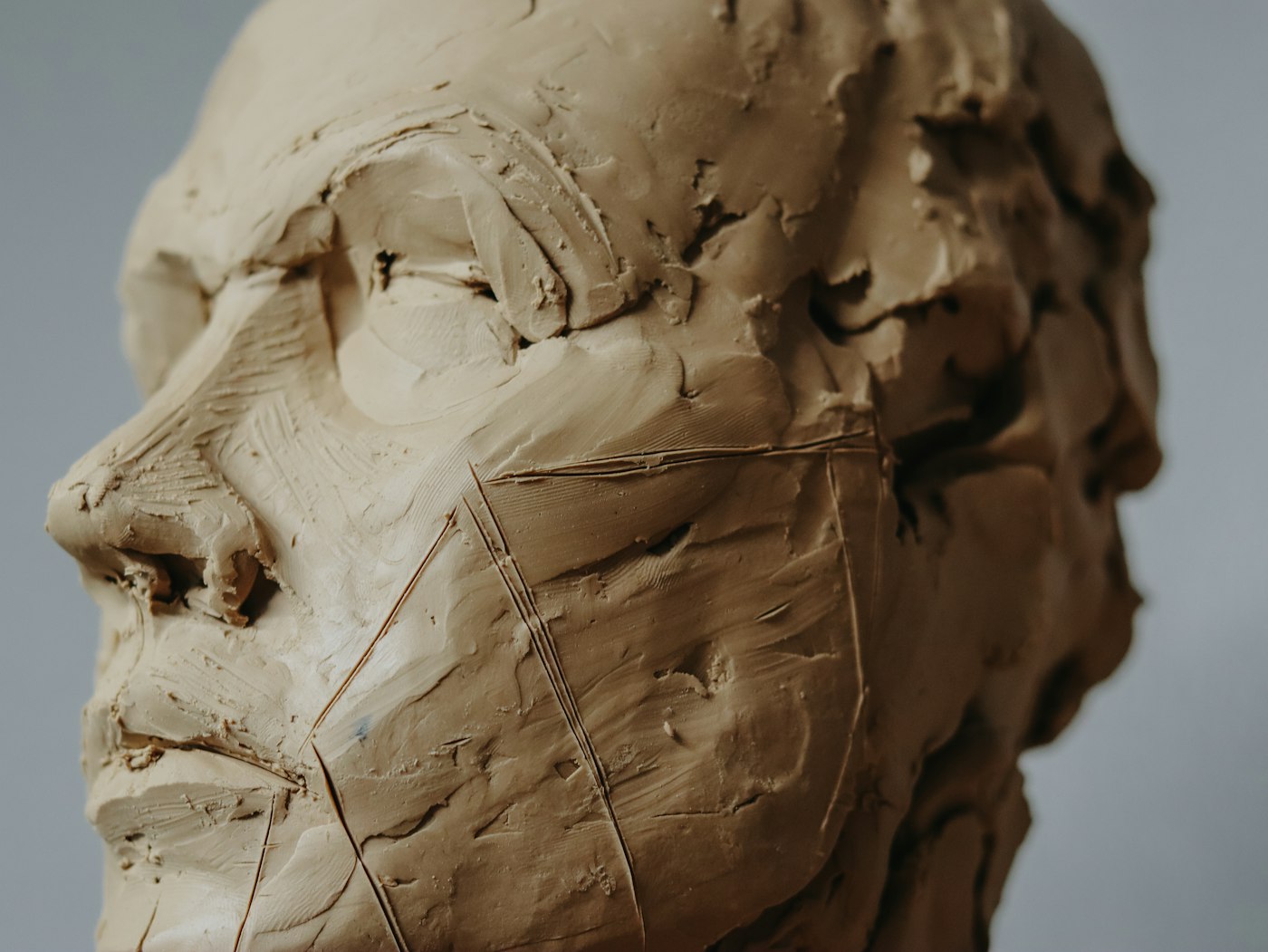
an unfinished male portrait sculpture from life

If AI Can Make Anything, What's Art Worth? — Why Aesthetics Still Can't Be Automated

Type a prompt, get a painting. Describe a mood, get a poem. Ask for a candle design, get fifty variations in ten seconds. We're living in an era where AI can produce visual output faster than you can describe what you want — and that raises an uncomfortable question for anyone who makes things by hand: is creativity becoming cheap? It's a fair question. But it's also the wrong one. Because creativity was never about the ability to produce. It was always about the ability to choose. And that distinction matters more now than ever. What AI Actually Does Well (Let's Be Honest) This isn't going to be one of those pieces that dismisses AI to make human artists feel better. AI is genuinely extraordinary at certain things: Speed. An image generator can produce a hundred visual concepts in the time it takes a human to sketch one. That's not a metaphor — it's a measurable fact. Range. AI can work in Art Deco, photorealism, ukiyo-e, and Memphis Style in the same afternoon. A human artist would need years to develop fluency in each. Iteration. Don't like the result? Adjust the prompt and try again. The cost of a bad attempt is nearly zero. These are real capabilities, and they're already changing how visual content gets made. Stock photography, graphic design templates, product mockups — these are domains where AI's speed-to-quality ratio is hard to beat. So if you're in the business of making things that are primarily visual, the pressure is real. But here's where the story gets more interesting. The Gap: AI Generates, But It Doesn't Judge There's a fundamental difference between producing options and knowing which option is right. AI can give you a hundred candle designs. It cannot tell you which one will make someone stop walking in a store and pick it up. It cannot tell you which silhouette, when cast as a real three-dimensional object in wax, will have the kind of presence that makes you want to keep it on a shelf long after the wick is spent. This is the gap, and it's not a small one. It's the difference between volume and value. Aesthetics — real aesthetic judgment — is not pattern recognition. It's a convergence of three things that AI cannot currently replicate: 1. Cultural depth. Knowing that a particular shade of amber reads as warmth in Scandinavian design culture but as mourning in certain East Asian contexts isn't data you can train into a model with enough examples. It requires lived cultural understanding — the kind that comes from growing up inside a visual language, not just cataloging its outputs. 2. Sensory crossover. A candle is not a visual object. It's a multisensory experience: the way the color of the wax suggests the fragrance before you even light it, the way the texture of a hand-sculpted surface catches light differently from a molded one, the way the weight of it in your hand tells you something about its quality. AI operates in pixels and text. It has no sense of smell, no sense of touch, no sense of how these senses interact in a person experiencing a physical object. 3. The courage to leave things out. This might be the most important. Good taste is largely about restraint — knowing what not to add. AI, by its nature, tends toward the maximal. Give it a prompt and it will fill every pixel with detail, because it was trained to produce outputs that look "complete." A human artist knows that sometimes the most powerful design decision is the empty space, the single color, the form that does less and means more. The Value Shift: From Production to Curation Here's the paradox of AI and creativity: by making production cheaper, AI doesn't make creativity worth less. It makes the judgment behind creativity worth more. Think about it this way. Before the printing press, the ability to copy a manuscript by hand was valuable. After the printing press, that skill became commoditized. But did writing become less valuable? No — the ability to write something worth printing became more valuable, because the cost of distributing bad writing dropped too, and the market was suddenly flooded with it. What became scarce wasn't the ability to produce text; it was the ability to produce text worth reading. We're at a similar inflection point with visual and design work. AI can generate a thousand variations of anything. That means the market is about to be flooded with visual content — most of it competent, some of it impressive, very little of it meaningful. The scarce resource is no longer the ability to make something look good. It's the ability to decide what good looks like — and to hold that line against the temptation to add more, change more, optimize more. In a world of infinite creative output, curation is creation. What This Means for Handmade Art For handmade objects — sculptural candles, artisan figures, small-batch creations — the AI era isn't a threat. It's a clarifying force. When anyone can generate a "candle design" with a text prompt, what distinguishes a real candle? It's not the shape. AI can generate shapes. It's not the color. AI can generate colors. It's the decisions that went into making it — the specific wax formulation chosen for its burn behavior and scent diffusion, the hand-shaping that makes every piece subtly different, the knowledge that a human looked at this object and decided, in that moment, that this particular curve and this particular texture and this particular weight were right . At SLASHEE, we use our F-Model 1.0 wax formulation not because it's "advanced" in some technical sense, but because we judged it to be the best way to express what a candle can be — durable without being rigid, fragrant without being overwhelming, clean-burning without sacrificing warmth. That's a series of aesthetic decisions, not algorithmic outputs. Every sculptural candle we make has slight variations from the one before it, and those variations aren't defects. They're evidence that a human hand was involved — that someone made a choice, in real time, about how this particular piece should feel. AI can propose a hundred candle silhouettes. It cannot choose the one worth sculpting by hand. The Future: Not Faster, But More Intentional The question "is creativity becoming cheap?" assumes that creativity is measured by output volume. It never was. A novelist who writes one great book is more creative than one who writes fifty mediocre ones. A candle maker who develops one extraordinary formulation is more creative than one who cranks out a hundred variations of the same product. AI is forcing us to be honest about what creativity actually is. And the answer turns out to be the same as it always was: it's not about making more. It's about making what matters. The artisans, the designers, the makers who will thrive in the AI era aren't the ones who try to out-produce the machines. They're the ones who lean into what machines can't do — make aesthetic judgments rooted in culture, craft objects that engage multiple senses, and exercise the restraint to leave things out when everything around them is screaming to add more. Creativity isn't getting cheaper. The bar is just getting clearer. And for those willing to meet it — not with more output, but with better judgment — the value of what they make has never been higher. Explore hand-sculpted candles and artisan creations at slashee.tech .

ZMorph VX Multitool 3D Printer

3 Minutes to Become a 3D Printing Glue Expert

You spent 40 hours printing, sanding, priming, and painting. It looks perfect. Now you just need to glue those two halves together. Ten seconds later, glue is oozing out of every seam. Your fingers are stuck to the part. And when you finally wrestle it apart to try again, there's a ghost of dried CA glue where the surface used to be flawless. Sound familiar? The problem isn't your hands. It's that most people reach for the same tube of super glue for every job — and in 3D printing, one glue absolutely does not fit all. Different materials, different stress loads, and different post-processing requirements each demand a specific adhesive strategy. Here's a three-minute crash course on exactly which glue to use, and when. Scenario 1: Bonding Printed Parts to Printed Parts (Same Material) This is the most common scenario. You printed an articulated figure in four pieces. Or a helmet in two halves. Or a mechanical assembly with separate components. Now you need to weld them into one solid object. For FDM Prints (PLA, ABS, PETG) CA glue (super glue / cyanoacrylate) is the default choice — and with good reason. It sets in seconds, bonds strongly to most thermoplastics, and is widely available. But it has a real weakness: CA glue is brittle. Drop the part on a hard floor, and the glued seam will crack before the surrounding material does. It's fine for display pieces. Risky for anything that sees actual handling. Epoxy resin (two-part) is the opposite approach. Mix the resin and hardener, apply, clamp, and wait 12-24 hours for full cure. The bond is extremely strong and more impact-resistant than CA glue. But it's slow, messy, and overkill for most non-structural joints. Solvent welding is the professional's choice. For PLA, dichloromethane (DCM) — also sold as "PLA weld" or "model glue" — chemically dissolves the surface layer of both parts, then re-solidifies as one continuous piece. The bond strength approaches that of the original material. For ABS, acetone does the same thing. Apply with a fine brush or syringe to the mating surfaces, press together for 10-15 seconds, and you've essentially created a single monolithic part. Here's a trick that changes everything: use the same UV resin as glue. Apply a thin coat of uncured UV resin to both mating surfaces. Press them together. Then hit the seam with a UV flashlight for 60-90 seconds. The resin cures, fusing the two pieces together with the exact same material properties as the print itself. The result is a bond that's chemically identical to the surrounding material — it sands, paints, and weathers exactly the same. No visible seam line. No differential shrinkage. This is a game-changer for anyone finishing detailed resin prints like miniatures, jewelry, or display-grade prototypes. Scenario 2: Bonding Printed Parts to Non-Printed Materials (Metal, Wood, Glass) This is where things get trickier. The problem isn't adhesion at the moment of gluing — it's differential thermal expansion. In a warm car or direct sunlight, a metal part expands faster and further than a plastic one. Over time, that differential stress will shear most rigid adhesives clean off. The cure isn't a stronger bond — it's a more flexible one. Flexible epoxy resin (sometimes called "rubberized" or "toughened" epoxy) is the answer. It retains some elastic give after curing, allowing it to absorb thermal movement without losing grip. Brands like JB Weld PlasticWeld or 3M DP420 fall into this category. Before any bonding: rough the print surface with 80-120 grit sandpaper. A smooth print surface offers little mechanical grip, and adhesives rely on both chemical bonding and mechanical interlocking on rough surfaces. This single step can double your joint strength. Scenario 3: Filling Seams & Surface Repair You've glued two halves together. Now there's a hairline gap running the length of the seam. Or a sanding accident exposed a layer line. Or a support scar left a pockmark. This isn't about glue — it's about gap-filling that can be post-processed to invisibility. For resin prints: UV resin is the clear winner. Apply a small droplet into the gap or pit, cure with a UV light (3-5 seconds per spot), then sand smooth with 400→800→1200→2000 grit progression. The cured resin polishes to match the surrounding surface exactly. Under primer and paint, you won't find the seam. For FDM prints (PLA/ABS): Two-part epoxy putty — the kind that comes as a stick of A+B material you knead together — is the best option. It cures to a sandable, paintable consistency in 30-60 minutes. Apply slightly overfilled, let cure, then sand flush. For very small gaps, you can also use standard wood filler (Bondo or similar), which sands beautifully but doesn't bond as strongly. Filler Type Cure Time Sandable? Best For UV resin Instant (with UV) ✅ Excellent Resin print seam repair Epoxy putty 30-60 min ✅ Good FDM gap filling, larger pits Wood filler (Bondo) 15-30 min ✅ Excellent Cosmetic-only patches Scenario 4: Structural / Load-Bearing Joints Sometimes glue isn't going to cut it. For parts that experience repeated stress — articulating joints, snap-fit mechanisms, load-bearing brackets — the correct answer is almost always: don't rely on glue at all. Design it as a single piece. If that's not possible (print bed size limitations, complex geometry requiring assembly), then: Industrial acrylic structural adhesive (like 3M DP420 or Loctite AA 4800) offers shear strength exceeding 20 MPa — enough to hold automotive components together. But it's expensive and usually requires a special applicator gun. Threaded inserts + mechanical fasteners are the smarter approach. Design holes for brass heat-set inserts (for PLA/ABS) or threaded inserts (for resin), then use machine screws for assembly. This gives you a joint that's fully disassemblable and far stronger than any adhesive could provide. Five Underrated "Glues" in the 3D Printing World These aren't technically adhesives, but they deserve a spot in every maker's toolkit: ① Dichloromethane (DCM / methylene chloride) — Solvent welding for PLA. Cheap, effective, but highly toxic — only use with proper ventilation and nitrile gloves. Apply with a precision syringe to mating surfaces. ② UV resin (uncured) — Not just for printing. Keep a small bottle of translucent UV resin and a UV flashlight in your post-processing kit. It's the single most versatile repair medium for resin prints. ③ Acetone — The solvent welding standard for ABS. Also useful for vapor smoothing ABS prints to a glossy, layer-line-free finish — though this changes dimensional tolerances, so use only for aesthetic parts. ④ Hot glue — Not for load-bearing or precision work, but for temporary fixturing, it's unbeatable. And it's reversible: a quick blast with a heat gun, and it peels away cleanly. Great for holding parts in position while permanent adhesive cures. ⑤ Cyanoacrylate + activator spray — If you must use CA glue, use an accelerator spray . It cures the glue instantly, reducing the window for oozing, finger-sticking, or misalignment. Apply glue, spray accelerator, and the bond is set in 2 seconds flat. The Pro's Approach: Design Out the Glue Here's the truth that separates an experienced 3D printing service from a hobbyist: The best joint is the one you don't have to make. Professional-grade small-batch manufacturing treats assembly as a design constraint, not a post-processing step. Snap-fit joints that click together and hold without any adhesive. Captive nut slots for mechanical fasteners. Print orientation optimized so that layer lines don't create stress weak points at joint locations. One-piece prints broken into puzzle-fit components that align precisely through geometry alone. At Slashee , every custom 3D printing run — from collectible figures to functional prototypes to branded merchandise — goes through a full design-for-manufacturing (DFM) review before a single print starts. We identify which pieces should be combined into one seamless print, where to add alignment features, and when a part should be printed as a single unit rather than assembled later. The result: parts that arrive ready to use, not ready to fix.

3d printer

Same 3D Printing Tech, Wildly Different Results — Here's Why

Two people can use the exact same printer, the exact same resin or filament, and the exact same model file — and walk away with prints that look like they came from different planets. One is smooth, crisp, and display-ready. The other is covered in layer lines, support scars, and fuzzy details that make you question whether the printer was even calibrated. The difference isn't the machine. It's not the material. It's what happens at three critical stages: how you orient the model, how you set up supports and slicing, and how you handle post-processing. Get all three right, and even a budget printer can produce stunning results. Get any one of them wrong, and no amount of expensive hardware will save the final piece. Here's a deep dive into each. 1. Model Orientation — The Decision That Changes Everything Before a single layer is laid down, you have to decide how the model sits on the build plate. This single choice ripple-effects through everything that follows: surface quality, structural strength, support volume, and how much time you'll spend cleaning up afterward. Why Orientation Matters So Much 3D printing builds objects one layer at a time, from bottom to top. That means every surface that faces upward during printing gets the smoothest possible finish — the layer lines run parallel to it, making them virtually invisible. Surfaces that face sideways or downward show layer lines in full relief, like contour lines on a topographic map. This is the single most important thing to understand about print quality: the direction your model faces determines which surfaces look perfect and which ones show their layers. The Most Common Mistake Orienting a model flat on the build plate because it "looks stable." It is stable — but if the most visible or most detailed surface is now facing sideways, every single layer line will be visible on that face. For a figurine with facial details on the front, printing it standing up means the face gets printed sideways, and those delicate features turn into a staircase of visible steps. Smart Orientation Principles Prioritize the hero surface. The face, the logo, the most-seen angle — orient the model so this surface faces upward. This one decision does more for print quality than any other setting. Minimize support volume. Every overhang needs support, and every support leaves a mark. Tilt the model so overhangs are reduced or eliminated where possible. A 45-degree tilt on a bust can cut support material by 40% compared to printing it upright. Think about strength. Layer adhesion is weaker than layer cohesion. If your part will bear load, orient it so stress runs along layers, not across them. A printed bracket that's loaded horizontally across its layers will snap at a fraction of the force of one loaded vertically. Consider the build plate contact area. Too little contact and the print detaches mid-job. Too much and you get a massive raft mark on the bottom. Find the sweet spot — enough area for adhesion, not so much that cleanup becomes a nightmare. These trade-offs are real and they interact with each other. You can't always optimize for everything simultaneously. The skill is knowing which factor matters most for a given model and making the right call. 2. Support & Slicing Strategy — Where Precision Meets Judgment Once the model is oriented, the next question is: how do you keep the overhanging parts from collapsing mid-print? That's what supports are for. But supports are a double-edged sword. Too few and your print fails. Too many and you spend hours removing them, leaving scars and rough patches everywhere. Support Types and When to Use Them Tree Supports — Branch-like structures that grow upward from the build plate to reach specific overhangs. They use less material, are easier to remove, and leave smaller contact marks. Best for organic models with complex overhangs — figurines, miniatures, anything with undercut features. The downside: they take more computation time in the slicer and aren't great for flat horizontal surfaces. Linear Supports — Straight columns from the build plate to the overhang. Simple, reliable, predictable. Good for mechanical parts, brackets, and models with large flat overhangs. The downside: they're harder to remove cleanly, leave larger contact marks, and use more material. Grid Supports — A lattice pattern under the overhang. A middle ground between tree and linear. Decent for medium-complexity models where you need more stability than tree supports provide but less material than linear supports. The right choice depends entirely on the geometry of the model. There's no universal best option. A skilled operator looks at the model, identifies the overhangs, and picks the support strategy that minimizes contact marks on visible surfaces while ensuring structural integrity during printing. Slicing Parameters That Actually Matter Layer Height — The most direct quality lever. Thinner layers (0.025–0.05mm for resin, 0.1–0.15mm for FDM) produce smoother surfaces and finer detail but multiply print time. Thicker layers are faster but show obvious stepping. For display pieces, go thin. For functional prototypes, go thick and save time. Exposure Time (Resin) — Underexpose and layers won't adhere, leading to delamination and failed supports. Overexpose and details swell, losing the crisp edges that make a print look professional. This is calibrated per resin — never assume default settings are correct. Infill Density — For display models, 10–20% infill is usually enough. For functional parts that bear load, 50%+ is appropriate. More infill doesn't automatically mean better — it adds weight, material cost, and print time with diminishing returns on strength. Support Contact Settings — The tip size and density of support contact points directly determines how hard they are to remove and how much surface damage they cause. Smaller contact tips leave smaller marks but may fail during printing. This is where experienced operators find the razor-thin balance between reliability and clean removal. The Bottom Line on Supports and Slicing Anyone can click "auto-generate supports" and hit print. The difference between a hobbyist result and a professional result is in the manual adjustments — tilting supports away from visible surfaces, adjusting contact density based on overhang angle, and fine-tuning exposure for the specific resin being used. This is hours of invisible work that shows up as a dramatically cleaner final product. 3. Post-Processing — Where Good Prints Become Great Prints A raw 3D print, even a perfectly oriented and well-supported one, is not a finished product. It's a rough diamond. Post-processing is where the polish happens, and it's the stage that separates functional prototypes from display-quality pieces. FDM Post-Processing Flow Remove supports carefully. Use flush cutters, not brute force. Cut close to the model, then clean up residual marks with a hobby knife. Sand progressively. Start at 220 grit, move to 400, then 800, then 1200. Each grit removes the scratches from the previous one. Skipping grits is the most common mistake — you'll end up with deep scratches that no amount of fine sanding can fix. Fill gaps and layer lines. Use a thin filler primer or epoxy putty on visible layer lines. Let it cure fully, then sand smooth. This step is what makes a 3D-printed surface look molded rather than printed. Prime. A good primer fills microscopic imperfections and gives paint something to grip. Two thin coats beat one thick one. Paint and finish. Spray paint in thin, even passes. Multiple light coats prevent drips and orange-peel texture. Clear coat at the end for durability. Resin Post-Processing Flow Wash thoroughly. Uncured resin on the surface will ruin everything that follows. IPA wash (15 minutes in an ultrasonic cleaner is ideal) removes all residual resin. Don't skimp on this step. Cure properly. UV curing hardens the print to its final strength. Skip this and the model stays soft, warps over time, and cracks under stress. Use a proper UV curing station — not sunlight, which is uneven and uncontrolled. Remove supports before curing. Supports pop off cleanly when the resin is still slightly flexible. After curing, they bond harder and removal risks snapping fine details. Sand and fill. Same progressive approach as FDM, but resin prints typically need less filling — the layer lines are already much finer. Prime, paint, and seal. Same finishing process as FDM, but resin takes paint exceptionally well due to its smooth surface. Common Mistakes That Ruin Post-Processing Skipping the wash. Even a thin film of uncured resin will prevent primer and paint from adhering properly. The result: paint that peels off in sheets. Curing before removing supports. Once fully cured, supports become nearly as hard as the model itself. Removal damages surfaces and snaps delicate features. Not sanding progressively. Jumping from 220 to 1200 grit leaves deep scratches that the fine paper can't reach. You'll think you're done, then the primer reveals every scratch you missed. Rushing the primer. One thick coat of primer covers layer lines but creates a textured, orange-peel surface. Two thin coats, with drying time between them, gives a glass-smooth base for paint. The Professional Difference Here's the thing about these three stages — model orientation, support and slicing, and post-processing: each one requires experience that you can't buy. You develop it through hundreds of prints, dozens of failures, and a growing intuition for what works on a given model. This is why two people with the same printer get wildly different results. The machine is just a tool. The skill is in the setup and the finish. At Slashee, we've spent six years refining every step of this process. We optimize model orientation to minimize visible layer lines on every visible surface. We manually tune support strategies and slicing parameters for each individual model — no auto-settings, no shortcuts. And our post-processing pipeline — from ultrasonic washing through progressive sanding to professional-grade priming and painting — is what gives our finished pieces the look and feel of high-end collectibles, not 3D-printed prototypes. If you've got a design you want brought to life at that level of quality, we offer free structural optimization consultations to help you get the orientation and support strategy right from the start. Orders start at just 10 pieces, cost a fraction of traditional injection molding, and ship within 7 days. See what's possible at slashee.tech .
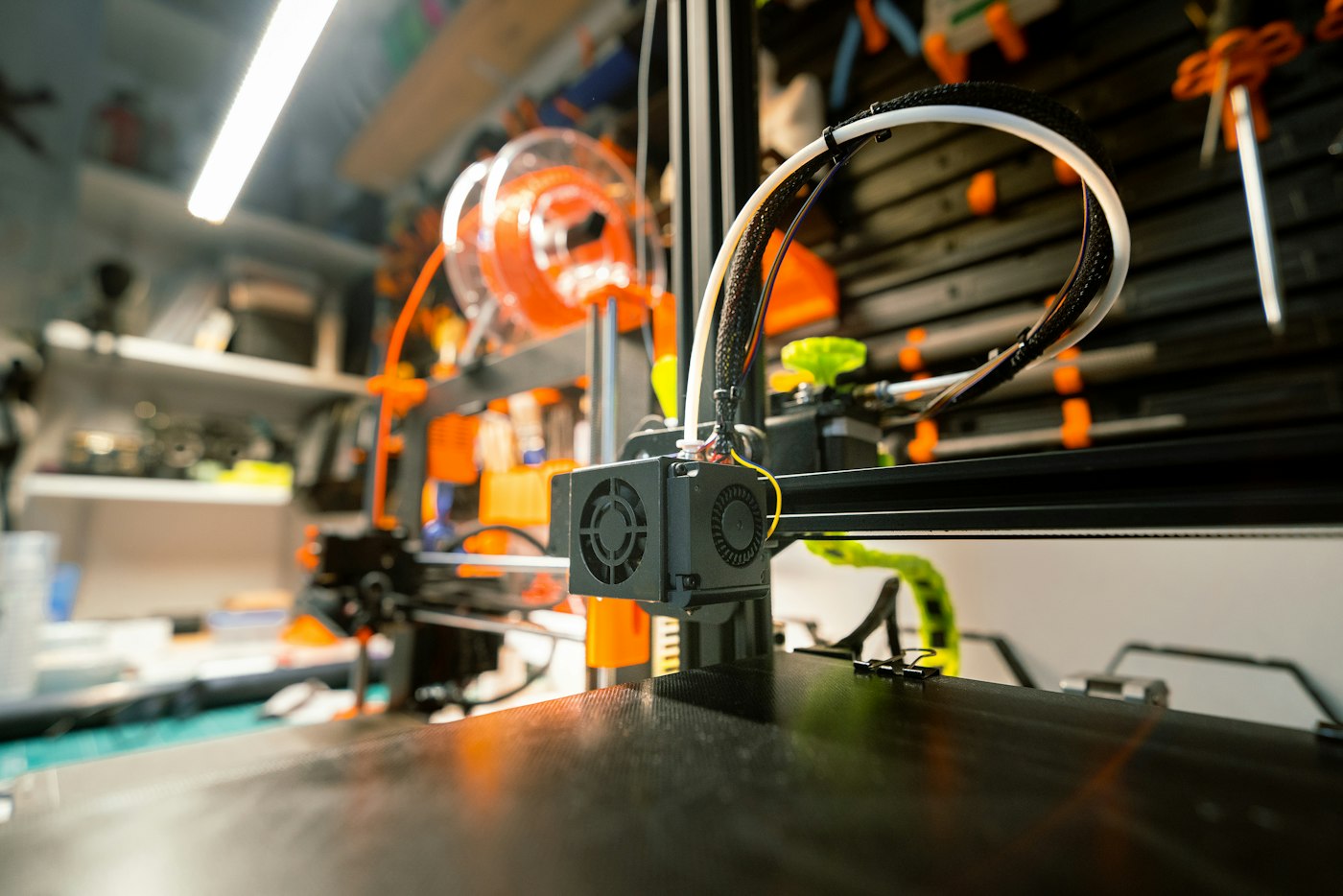
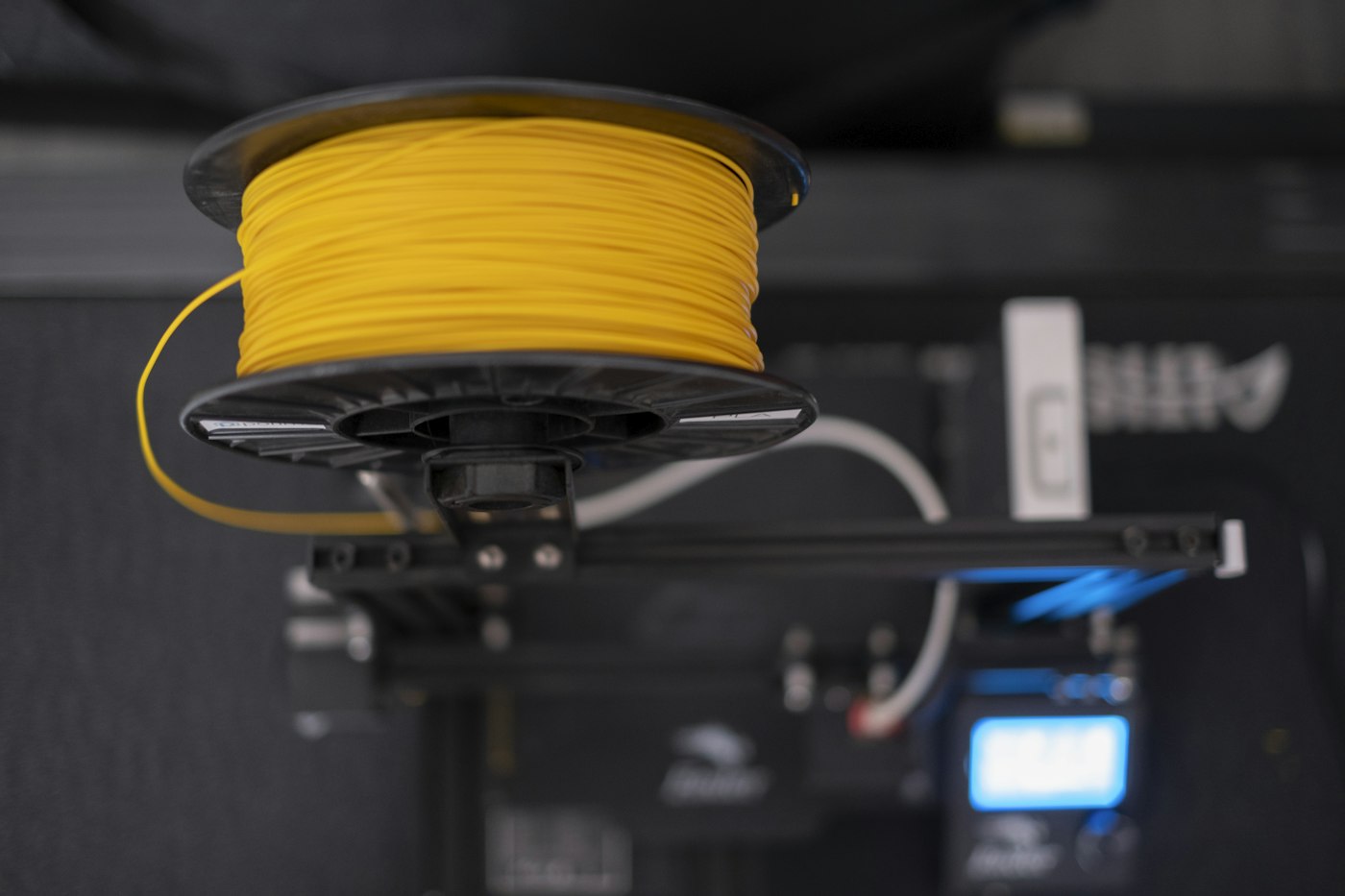
3D printing filament

3 Classic Structures Only 3D Printing Can Achieve: Break Design Limits Without Extra Cost

If you’re a designer, small brand owner, or independent creator, you’ve probably run into this frustrating situation before: you have a brilliant, unique product design, but traditional manufacturing processes either make it prohibitively expensive, or flat out impossible to produce. You’re forced to compromise your creative vision, simplify your design, and lose the unique features that made your product stand out. The good news is 3D printing eliminates almost all these manufacturing limitations. There are multiple classic structure designs that are completely unachievable with traditional injection molding, CNC machining, or casting, but are easy to produce with 3D printing — no extra cost required. In this article, we’ll break down the three most useful ones, and how you can leverage them to create truly unique products. 1. Lattice & Complex Internal Hollow Structures Traditional manufacturing processes simply can’t produce complex internal lattice structures or intricate hollow designs at low volumes. For injection molding, you’d need expensive, complex molds with removable cores that only make financial sense for production runs of thousands of units. For CNC machining, you can only produce simple hollow shapes, and internal details are almost impossible to access for cutting. 3D printing completely removes these limitations. You can design any type of internal lattice structure, hollow cavity, or complex internal geometry you can imagine, and it will print exactly as designed with no extra cost. The benefits are huge: Reduce product weight by up to 70% while increasing structural strength by 30% compared to solid parts Create unique, lightweight artistic and designer toy designs that feel high quality but are affordable to produce Build custom heat dissipation structures, shock-absorbing components, and ventilation systems that would be impossible with traditional methods Add hidden internal features and creative design details that make your product stand out from competitors This is perfect for creative products like art toys, designer collectibles, custom tech accessories, and functional industrial parts that need both lightweight construction and high strength. 2. Monolithic Integrated Assembly-Free Structures With traditional manufacturing, complex products with moving parts or multiple components need to be designed as separate pieces, each with their own mold, then manually assembled after production. This adds significant cost, creates visible seams between parts, reduces overall precision, and introduces points of failure. 3D printing lets you print fully integrated, multi-component structures as a single piece, with zero assembly required. Articulated joints, moving parts, interlocking components, and complex assemblies can all be printed completely finished, right out of the printer. The advantages are game-changing: No visible seams or assembly gaps, for a much higher quality, premium finish Reduce production costs by at least 40% by eliminating separate molds and assembly labor Improve product durability and precision, with no loose parts or assembly failures Create unique articulated art toys, functional moving mechanisms, and complex integrated products that would be prohibitively expensive to produce traditionally At Slashee, we regularly use this capability for our custom art toy and designer collectible clients. We’ve created fully articulated action figures with multiple moving joints that print as a single piece, no assembly required, with a finish quality that matches premium mass-produced blind box products. 3. Conformal Internal Channels & Free-Form Cavity Structures Traditional manufacturing only allows for simple, straight internal channels and basic cavity shapes. If you need a custom-shaped internal flow channel for cooling, fluid transfer, or creative design, traditional methods require multiple pieces to be welded, glued, or assembled together, leading to poor sealing, low precision, and high costs. 3D printing lets you create any shape of internal channel, free-form cavity, or custom internal geometry you can design, completely in one piece, no assembly required. Channels can follow the exact shape of your product’s external design, be any size or shape, and have completely smooth internal surfaces: Build custom conformal cooling channels for industrial parts that improve heat dissipation performance by up to 60% Create unique custom containers, artistic vessels, and creative design products with one-of-a-kind internal shapes Produce functional fluid transfer parts, custom piping, and specialized industrial components with perfect sealing and zero assembly Add hidden internal design features, storage compartments, and creative details that make your product truly unique This capability is especially popular for custom creative products, limited edition art pieces, and specialized industrial part production where unique internal geometry is required. Why Choose Slashee For Your Custom 3D Printing Projects? At Slashee, we have 6 years of experience helping independent designers, small brands, and creative creators bring their most ambitious design ideas to life. We don’t just print your parts — we provide free design optimization consulting to help you adapt your creative ideas for 3D printing, maximizing design impact while minimizing production costs. Our optimized resin 3D printing process delivers premium quality comparable to high-end mass-produced blind boxes, with: Minimum order quantity of just 10 units, perfect for small batch production Production costs 80% lower than traditional injection molding for small runs 7 day fast turnaround from design confirmation to finished delivery Full in-house post-processing, painting, and quality control, so your products arrive ready to sell If you’ve had a creative design idea that you thought was impossible to produce with traditional manufacturing, we can help you make it a reality. Visit slashee.tech to learn more about our small batch custom 3D printing services, or get in touch with our team for a free design consultation. Don’t let manufacturing limitations compromise your creative vision — 3D printing makes almost anything possible.

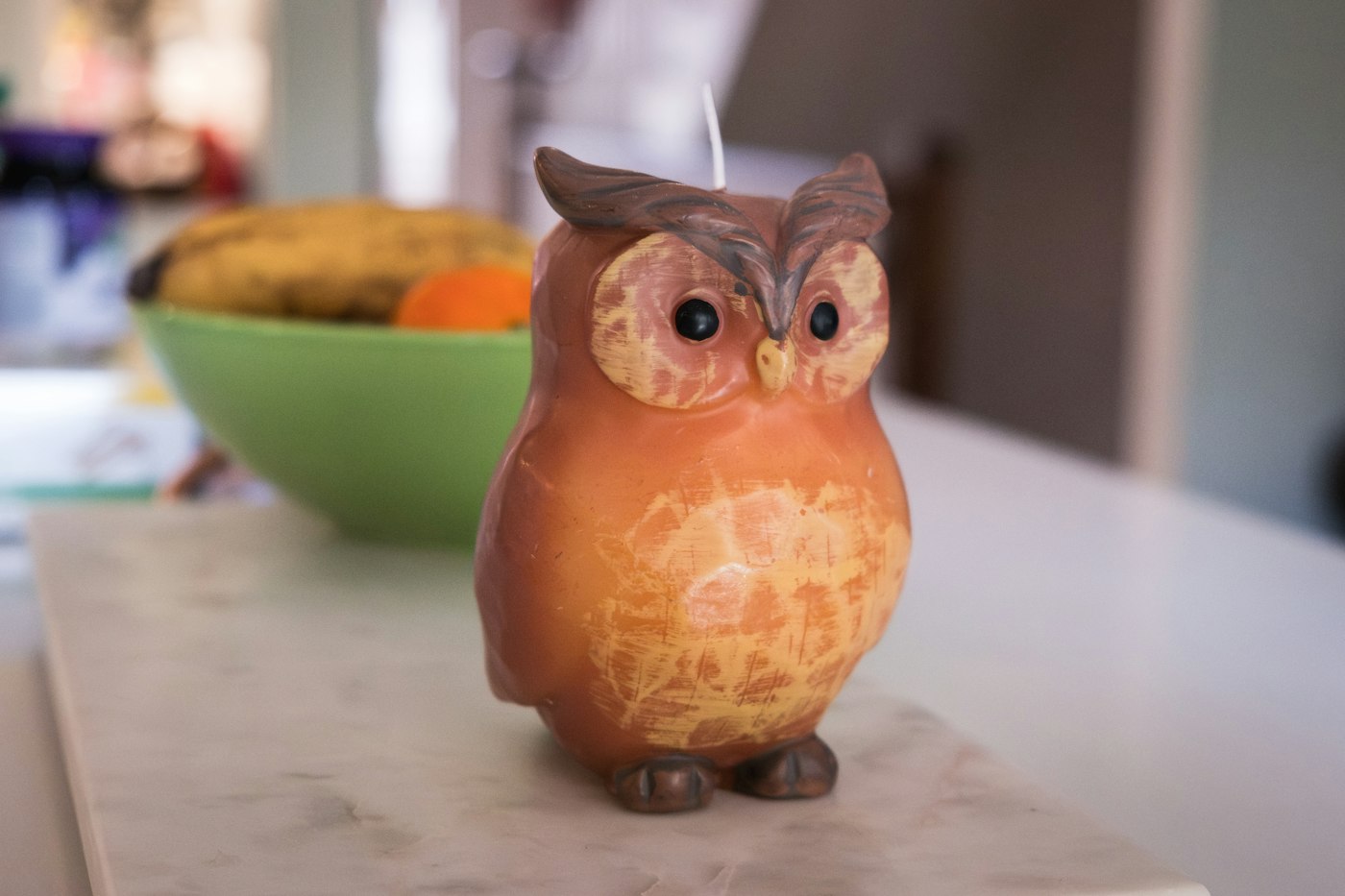
An owl-shaped candle sits on a marble surface.

How the Hormuz Strait Conflict Is Shaping the Global Candle and Designer Toy Markets

When you think about geopolitical conflicts in the Middle East, you probably don't immediately think about handmade candles or designer vinyl toys. But as tensions in the Hormuz Strait have escalated through 2026, the ripples have spread far beyond energy markets, touching even the most niche creative industries. The Hormuz Strait, that narrow 39-mile waterway handling 30% of the world's seaborne oil trade, isn't just about gasoline and heating prices. It's about the entire global supply chain of petroleum-derived materials—and that includes almost everything that goes into making a candle or an action figure. What's unfolding right now is a fascinating case study in how global events shape even the most local creative economies. The Cost Impact: Every Candle and Toy Has a Petroleum Price Tag If you've ever looked at the back of a candle package or wondered what action figures are made of, you already know the dirty secret of both industries: they're almost entirely built on petroleum. And when oil prices spike—as they have by 27% since the start of the year due to Hormuz tensions—those costs hit creative industries hard. Let's start with candles. The paraffin wax that makes up 70% of global candle production? A direct petroleum byproduct. The fragrance oils that give candles their signature scents? Synthesized from petroleum feedstocks. The color pigments, the plastic packaging, the polycotton wick coatings—all petroleum-derived. Even "natural" alternatives like soy wax and beeswax aren't immune: processing, refining, and transporting these materials all rely heavily on fuel costs. Industry data shows that every 10% increase in crude oil prices translates to an 8-12% increase in raw material costs for candle makers. Add to that the 6-8% increase in shipping costs we've already seen this year, and you're looking at a 10-15% price increase at retail for most candle products. For small independent brands that don't have the bulk purchasing power of major corporations, the impact is even starker: many small batch makers have already raised prices by 10-20% just to keep their doors open. The picture is even more dramatic for designer toys and action figures. PVC, ABS, and resin—the three primary materials used in virtually all collectible toys—are 100% petroleum-based polymers. When oil prices rise, these materials become more expensive across the board, with a 10% oil price increase leading directly to a 10-15% jump in raw material costs for toy manufacturers. And it's not just the plastic itself. The paint pigments used for detailing? Petroleum-derived. The packaging materials? Plastic and cardboard (with transportation costs tied to fuel prices). Even the silicone used to make molds for resin figures has petroleum-based components. By the time you add in shipping costs from manufacturing hubs to retail markets, the total cost increase for a typical designer toy has climbed 12-18% since the start of Hormuz tensions. For small independent toy makers and artists, these cost increases are particularly challenging. Unlike large toy corporations that can lock in long-term material contracts, small batch creators buy materials at spot prices, meaning they feel the impact of price volatility immediately. The Demand Side: Economic Uncertainty Creates the Perfect Conditions for "Small Joys" Here's where the story gets really interesting. The same geopolitical tensions that are raising production costs are also driving unprecedented demand for exactly these kinds of products. It's the classic "lipstick effect"—when economic uncertainty grows, consumers cut back on big-ticket purchases but actually increase spending on small, affordable luxuries that provide immediate emotional satisfaction. We saw this exact pattern during the 2022 Ukraine conflict, when European sales of handmade candles jumped 38% year-over-year and designer toy sales grew 27%. Consumers weren't buying new cars or taking expensive vacations, but they were willing to spend $20-$50 on something that would bring them daily joy. And the 2026 data is already repeating this trend. Global sales of scented and novelty candles grew 29% in Q1 2026 compared to the same period last year, according to the National Candle Association. In Europe and the Middle East—regions most directly impacted by Hormuz supply chain disruptions—growth is even stronger at 41%. The designer toy market is showing exactly the same pattern. Overall sales grew 32% year-over-year in Q1 2026, but the real story is in the affordable end of the market. Toys priced under $15? Sales up 47%. Premium collectibles over $100? Flat to slightly down. Consumers are voting with their wallets for affordable, high-quality creative products that deliver a big emotional impact for a small price. Also driving growth is the gift market. In uncertain times, people still want to celebrate birthdays, holidays, and milestones—but they're looking for gifts that feel thoughtful and unique without breaking the bank. Novelty candles and designer toys fit perfectly into this sweet spot, offering visual impact and personality at accessible price points. Gift sales in both categories are up 35% year-over-year. What This Means for Consumers and Creators For consumers, this creates a familiar balancing act. Prices are going up—that's unavoidable when every part of the supply chain is tied to volatile global commodity markets. But the value proposition of these products is also stronger than ever. In a world where so much feels uncertain and expensive, a $25 candle that gives you 40 hours of beautiful scent or a $30 art toy that makes you smile every time you see it on your shelf becomes an incredibly smart investment in your own well-being. At Slashee, we've worked hard to insulate our customers from these price increases as much as possible. By locking in material contracts early, optimizing our production processes, and keeping our margins lean, we've been able to hold prices steady on all our core products—from our viral Pickle Candle to our bone-shaped celebration candles to our growing line of original designer toys. Every one of our candles is built with our proprietary F-Model 1.0 formula, engineered for heat resistance, clean burning, and long-lasting performance. We still hand-shape every single piece, so no two candles are exactly alike. And our designer toy line follows the same philosophy: high-quality, thoughtfully designed pieces at accessible prices that don't sacrifice on creativity or craftsmanship. We believe that in uncertain times, affordable joy isn't a luxury—it's a necessity. Looking Ahead: Short-Term Volatility, Long-Term Growth The Hormuz Strait tensions will eventually resolve one way or another, and oil prices will stabilize. But the trends we're seeing right now aren't temporary. The shift toward small, meaningful consumer goods that deliver emotional value isn't a blip—it's a fundamental change in how people think about spending money. Consumers are increasingly prioritizing products that feel personal, that support independent creators, and that bring genuine joy into their daily lives. They're tired of mass-produced, disposable goods and looking for things that have personality, story, and staying power. That's exactly the sweet spot for handmade candles and designer art toys. For creators, this moment is both a challenge and an opportunity. The cost pressures are real, and they're not going away anytime soon. But the demand for authentic, creative, affordable products has never been stronger. The brands that will thrive are the ones that stay true to their creative vision while finding smart ways to manage costs and deliver consistent value to their customers. At Slashee, we're excited about what the future holds. We're continuing to expand our candle line with new weird, wonderful, and meticulously crafted shapes, and we're growing our designer toy collection with original characters and collaborations with artists we admire. Through price fluctuations and supply chain challenges, our commitment stays the same: making high-quality, creative, affordable products that bring a little more joy into the world. Ready to explore our collection? Visit slashee.tech to see our full range of handmade candles and original designer toys. Whether you're treating yourself or looking for the perfect gift, we've got something that will make you smile.